Catalog
Ingredients and stock
Ingredients are the raw materials your items are made from (beans, milk, syrups). Link ingredients to items and stock will be written off automatically with every sale.
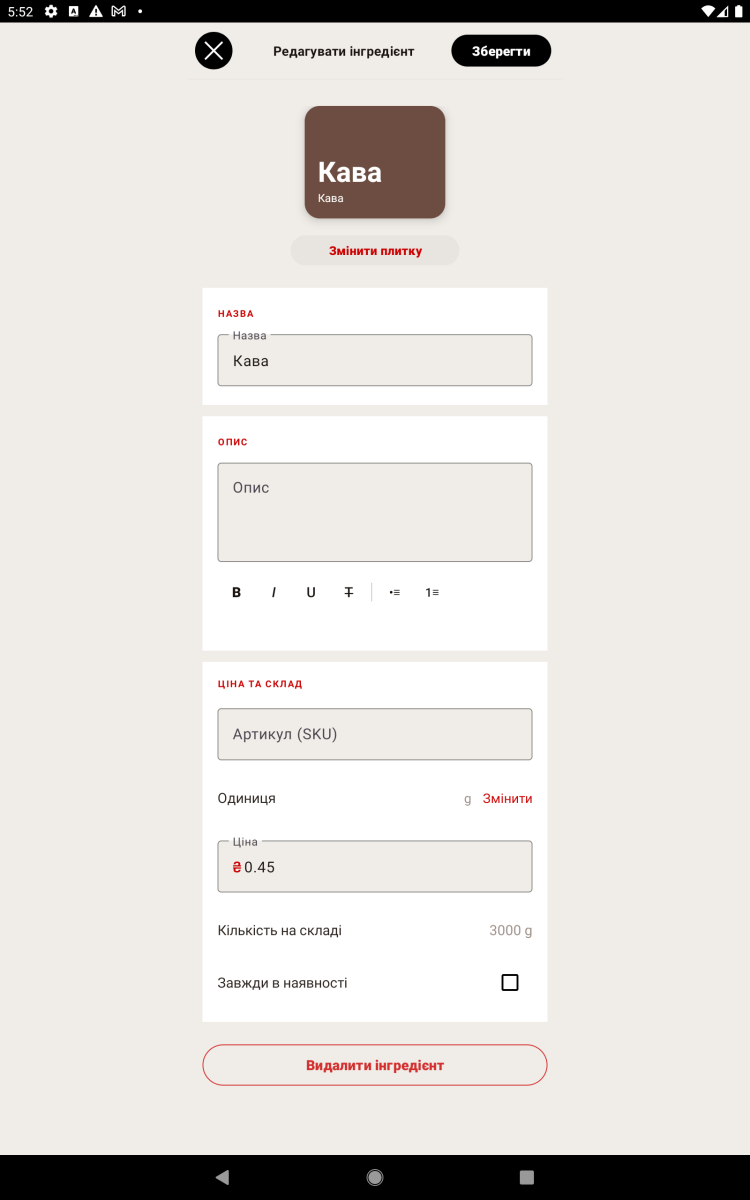
Adding an ingredient
- Open "Catalog → Ingredients" and tap "Add".
- Enter the name, the unit of measure (ml, g, pcs) and the current stock.
- Save.
Linking to an item
- Open the item you need in the catalog.
- In the ingredients section, add the ingredients you need and set the amount per sale (for example, 18 g of coffee, 200 ml of milk).
- Save — from now on, selling this item writes the stock off automatically.
Restocking
When a new batch of supplies arrives, update the ingredient's stock manually or use the stock intake feature.
Intake can be done one item at a time by finding it in the list, by scanning the article number, or by importing an intake file in Excel/CSV format.
Note. If an item is marked "Always in stock", it can be sold even when the stock is zero.