Getting started
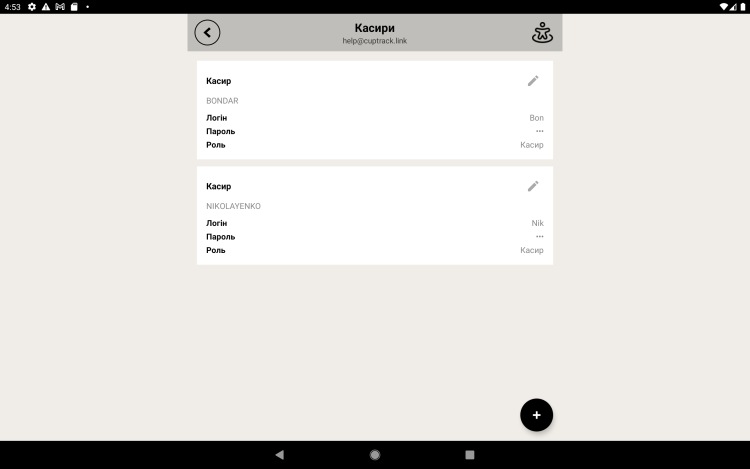
Cashiers (staff)
A cashier is a staff profile inside your venue's account. Each cashier starts a shift with their own PIN, and every sale is recorded under the name of the person who rang it up.
Adding a cashier
- Go to "More → Cashiers" (or the matching settings section).
- Tap "Add".
- Enter a name, a login and a PIN for starting a shift.
- Everyone you add gets the cashier role — their ability to edit the catalog and settings is limited.
Starting a shift
At the register the employee picks their profile and enters their PIN. After that they can ring up sales, and reports will show revenue for each cashier separately.
Roles. Only the account owner has full access to the catalog and settings. Cashiers work at the register: they ring up sales and refunds.
Editing and deleting
To change a name or PIN, open the cashier's profile and edit the fields you need. Deleting a profile removes that person's access to the register, but the sales they already made stay in your reports.