Catalog
Categories
Categories group your items on the register — for example "Coffee", "Desserts", "Drinks". They make it faster to find what you need during a sale.
Creating a category
- Open "Catalog → Categories" and tap "Add".
- Enter a name, and optionally add a color or a photo.
- Save.
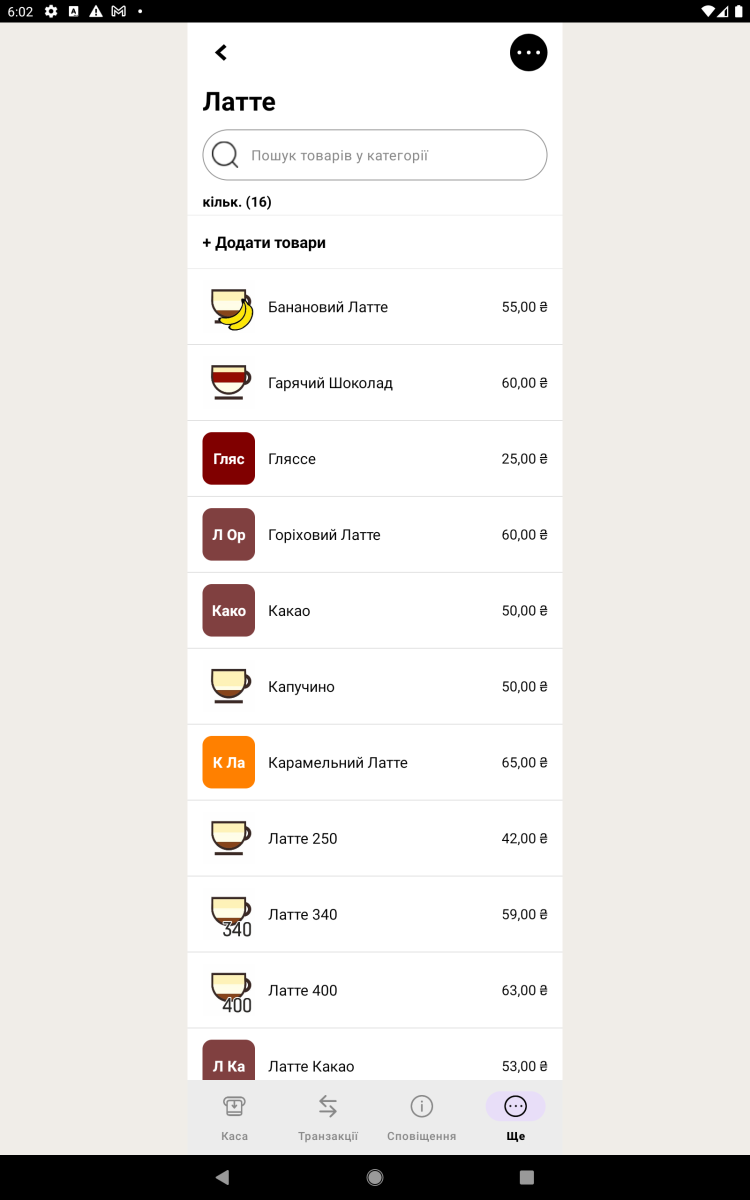
Linking items
An item can belong to one or several categories — set this when you create or edit the item. On the register, picking a category shows only its items.
Order and nesting
You can arrange categories in whatever order suits you, and also create nested ones (subcategories) if your range is large.
Tip. Don't create too many categories — 5 to 8 broad groups usually work better than dozens of small ones.