Catalog
Modifiers
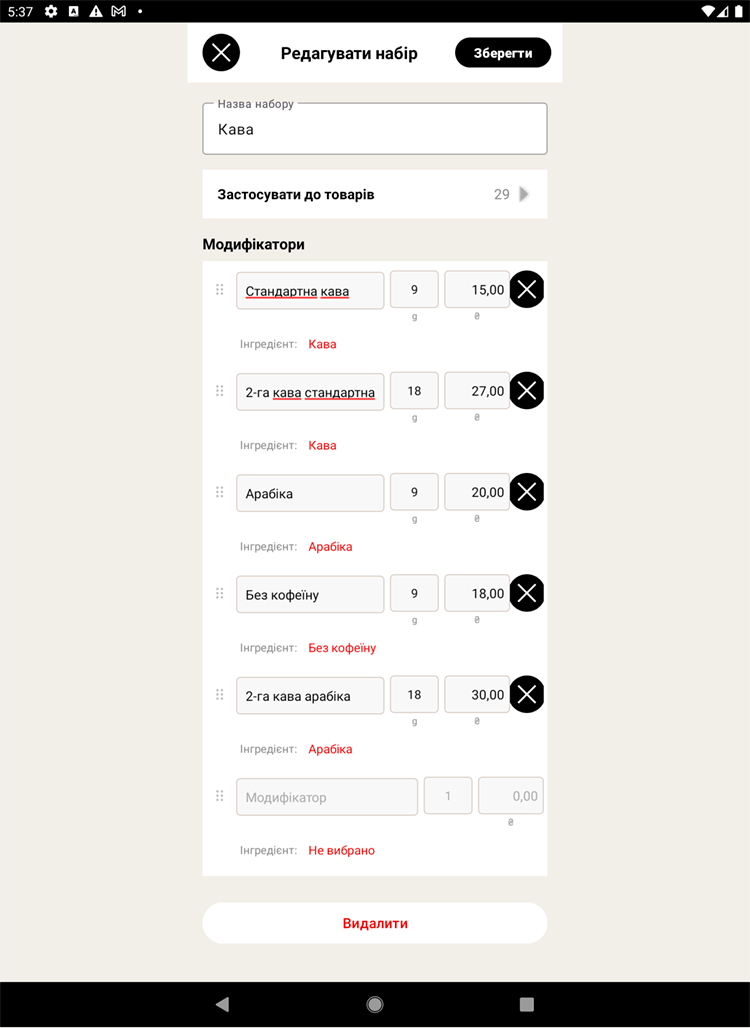
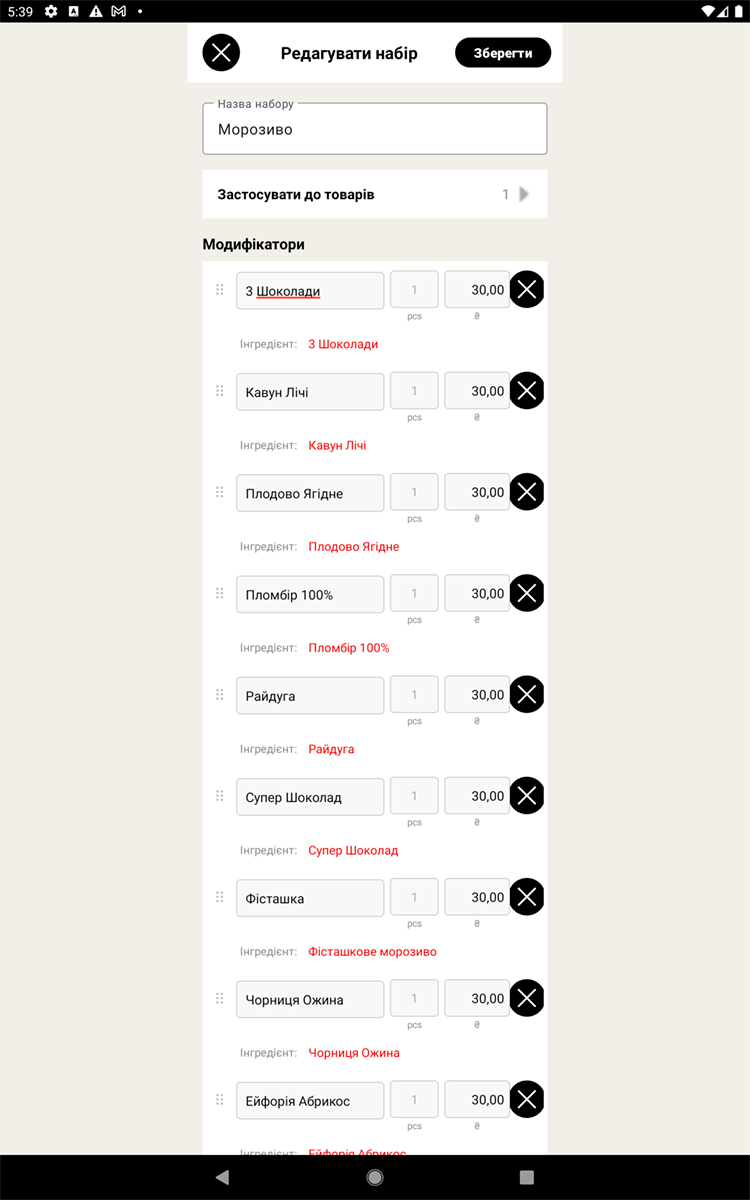
Modifiers are the variants and add-ons for an item: size, type of milk, an extra syrup and so on. Each option has an ingredient, and can carry a surcharge that is added to the price during a sale.
Creating a modifier set
- Open "Catalog → Modifiers" and tap "Add set".
- Give the set a name (for example, "Milk" or "Size").
- Add the options and, if needed, a surcharge for each one (for example, "Plant milk +10 UAH").
- Save.
Attaching to an item
Open an item and add the modifier sets you need. Now, when this item is sold, the cashier can pick the options and any surcharges are added to the price automatically.
Example. The item "Latte" + add-ons + regular coffee + arabica + the "Syrups" set.
At the register the cashier picks the Latte and the add-ons — the price recalculates itself.
At the register the cashier picks the Latte and the add-ons — the price recalculates itself.
Modifiers and ingredients
An option can be linked to an ingredient — then choosing, say, "espresso" writes off exactly that ingredient (a 110 ml cup) from stock.