Catalog
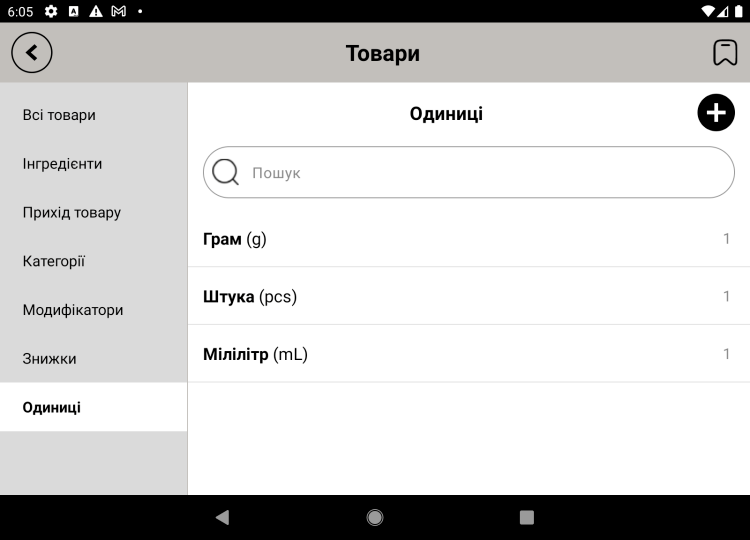
Units of measure
Units of measure define how an item or ingredient is counted: pieces, liters, kilograms, portions. They're what keeps your stock figures correct.
Adding a unit
- Open "Catalog → Units of measure" and tap "Add".
- Enter a name (for example, "Milliliter") and a short form ("ml").
- If you need it, set the precision (how many decimal places).
- Save.
Where they're used
- In items — to show how a position is sold (pcs, portion).
- In ingredients — so supplies are written off correctly (ml, g).
Tip. Create a few basic units right away — "pcs", "ml", "g" — and after that you'll just pick them from the list.