Settings and access
Subscription and access
Access to CupTrack runs until a set date. It starts with a free trial period, and after that you can keep it going with a subscription through Google Play or directly.
Trial period
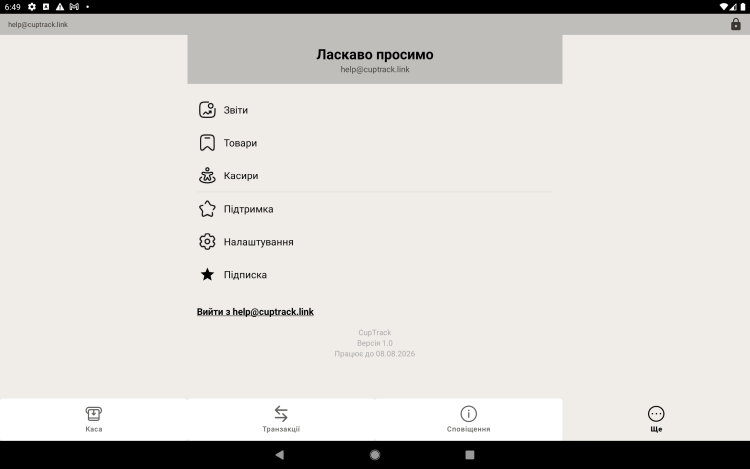
As soon as you register you get trial access — use every register feature to see how the app fits your work. The current end date is shown under "More".
Renewing through Google Play
- Open "More → Subscription".
- Pick a plan — monthly or yearly.
- Confirm the payment in Google Play — access is extended automatically, with no waiting for manual approval.
From then on the subscription renews itself every month or year. You can manage or cancel it in Google Play → Subscriptions.
Renewing directly
If you have arranged payment directly with the service provider, access is extended manually — the date is updated and the app keeps working. In that case you don't need the subscription screen.
Access ran out? The register will tell you and offer to renew. Nothing is lost — as soon as access is restored, everything is right where you left it.
Payment questions
For anything about subscriptions and access, write to admin@cuptrack.link.