Everyday work
Refunds
If a customer brings something back or a sale was rung up by mistake, you can refund it. The refund is recorded in your reports, so the books stay accurate.
How to issue a refund
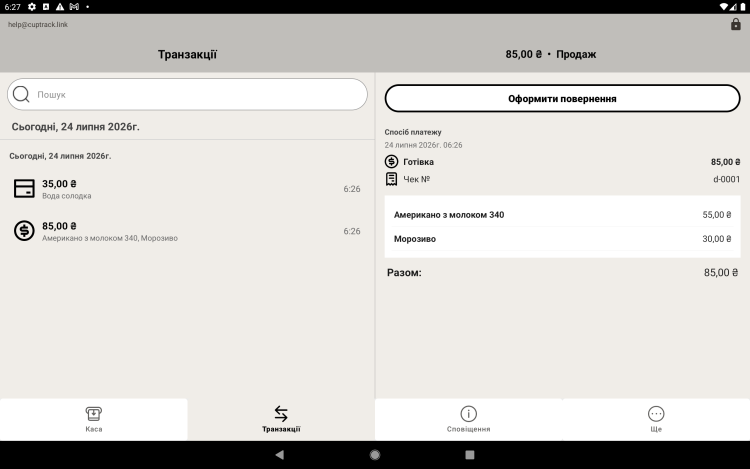
- Open the sales / transactions history.
- Find the sale you need and open it.
- Tap "Refund" and, if you want, enter a reason.
- Confirm — the refunded amount will show up in your reports.
Reason for the refund. Enter a reason (defective product, cashier error, customer changed their mind) — it helps you spot patterns and avoid them next time.
Effect on reports
A refund reduces total revenue for the period and appears as a separate figure in your reports, so you always see the real numbers.