Registration and sign-in
The owner account is the main account for your venue. It holds the catalog, the sales and the settings, and it's where you create profiles for your staff (cashiers).
Creating an account
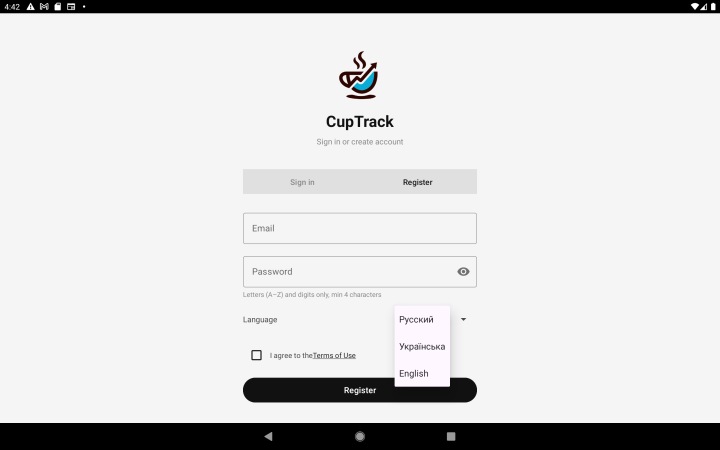
- Open the app and tap "Sign up".
- Enter your e-mail, the venue name and a password.
- Confirm the registration — the account is created and your trial period begins.
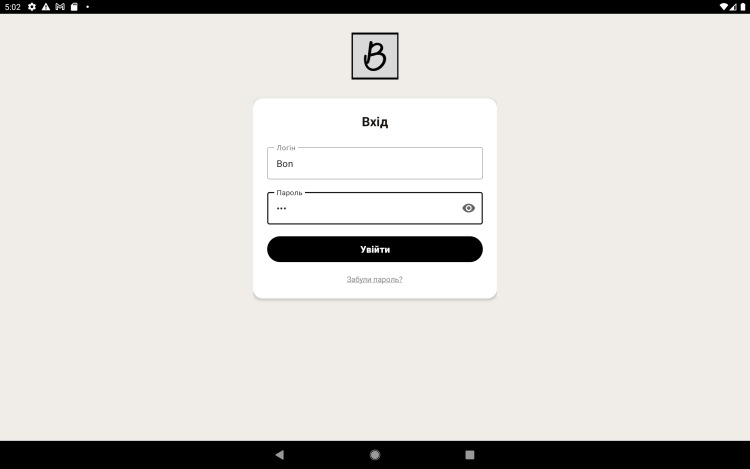
Signing in to the app (owner)
- On the sign-in screen enter the owner's e-mail and password.
- Tap "Sign in" — the app syncs your data with the server.
Signing in to the demo (test database)
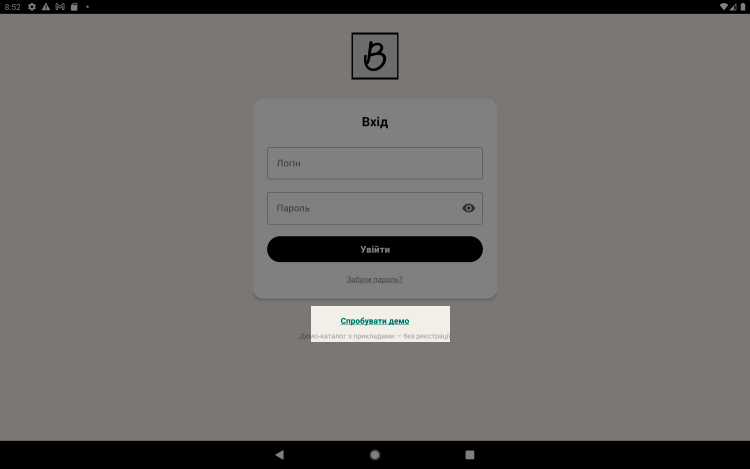
To look around the app without registering, tap "Try the demo" on the sign-in screen. You'll land in a shared test database with sample items and ingredients, where you can try out every register feature.
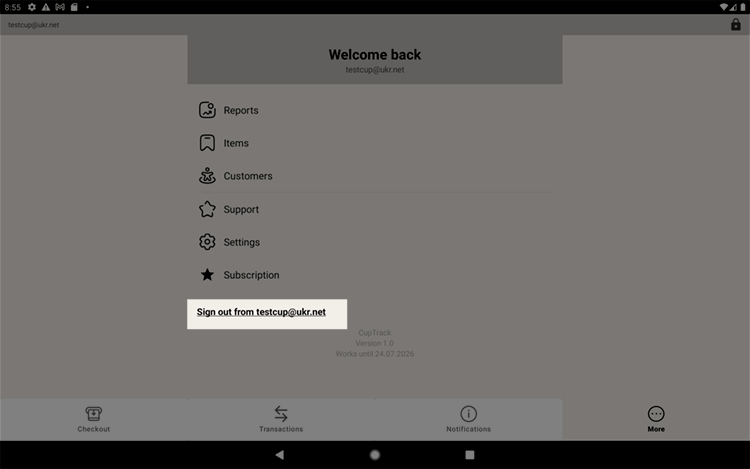
Please note: the demo is a shared test database, not your own account. So if you decide to take out a subscription, first sign out of the demo ("More → Settings → Sign out") and sign in to your own account or register one. Otherwise the subscription will be attached to the test database instead of to you.
Cashier sign-in
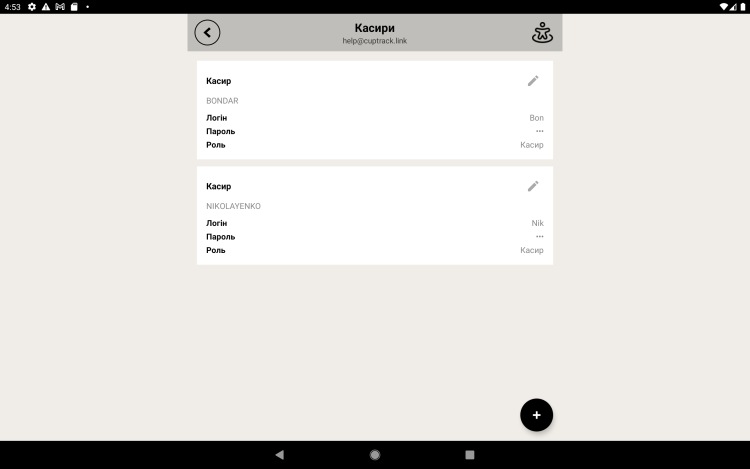
Once the owner account is set up and cashier profiles exist, staff start their shift with a PIN: at the register they pick their profile and enter the PIN. From there they can ring up sales, and revenue is tracked separately for each cashier. You create cashiers in the "Cashiers" section.
Locking the screen
So nobody can use the register while you step away, tap the screen lock button at the top of the screen — it looks like a padlock. The screen locks, and to carry on working you have to enter the cashier's PIN again.
Demo catalog with samples
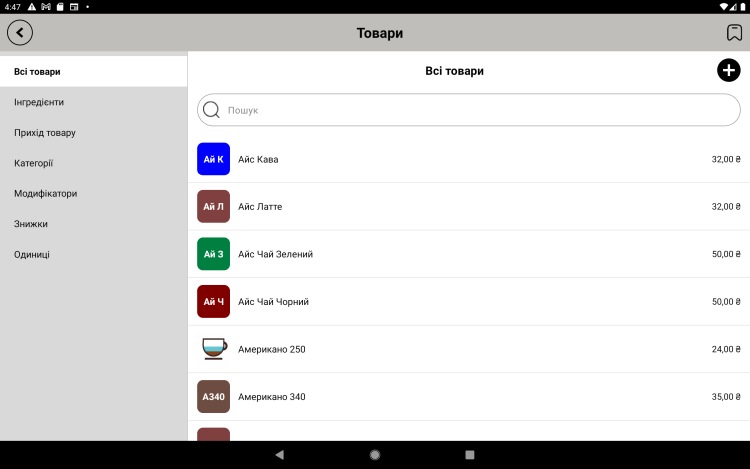
To help you get to know the app quickly, registration loads a demo catalog — a ready-made set of sample items (coffee, drinks, desserts) and ingredients. It's a handy way to see straight away how everything works without building a catalog from scratch.
The catalog is created in the language you chose at registration and is not translated automatically later on.
- Browse the ready-made catalog, try ringing up a test sale, look at reports and print a receipt.
- When you're ready, clear the demo data and fill the catalog with your own items.
Owner and staff
One owner account can hold several cashier profiles — each with its own name and PIN for starting a shift. That's handy when different people work the register. More on this in the "Cashiers" section.