Database synchronization
On startup and while you work, the app exchanges data with the server: it sends your sales and changes, and pulls down the current catalog. The sync screen can show a few different messages — here's what each one means.
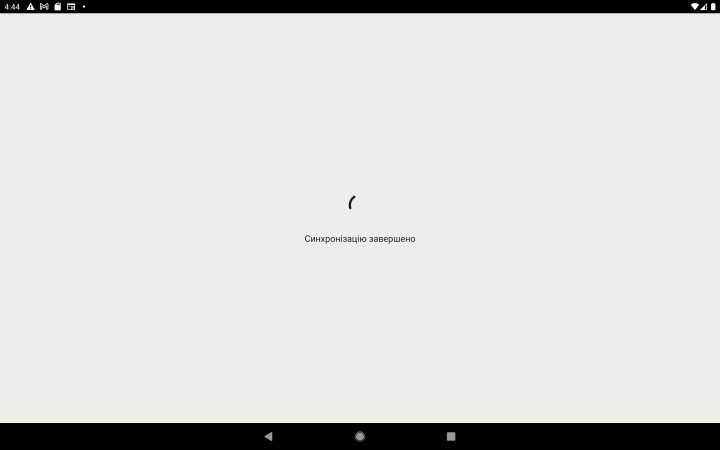
Normal messages
"Synchronizing data…"
Data is being exchanged with the server — give it a few seconds. It's usually quick; it can take longer on your first sign-in or after big changes to the catalog.
"Synchronization complete"
Everything went through: your data was sent and the current catalog was received. The app moves on to the home screen.
Problem messages
"No connection to the server"
The app couldn't reach the server. The usual causes are no internet, a weak signal, or the server being temporarily unavailable.
- Check your internet (Wi-Fi or mobile data).
- Tap "Continue without syncing" to work offline — sales are stored on the device and sent later, once the connection is back.
"Access restricted" — the trial period has ended
The full text: "Your trial period has ended. Synchronization is unavailable. Contact support to extend it."
This means your access has run out. To keep working:
- Tap "Subscribe now" and take out a subscription through Google Play, or
- extend your access directly — contact support. See the "Subscription and access" section.
"Access restricted" — the device is blocked
The full text: "Access from this device has been blocked by the administrator. Contact support."
The venue owner has blocked this device in the web panel (for example, the device was lost or is no longer in use). To restore access, the owner needs to unblock the device in the web panel. See the "Web panel" section.
When synchronization happens
Synchronization runs when you sign in to the app: at that moment the device sends everything it has collected to the server and receives the current catalog.