Catalog
Items
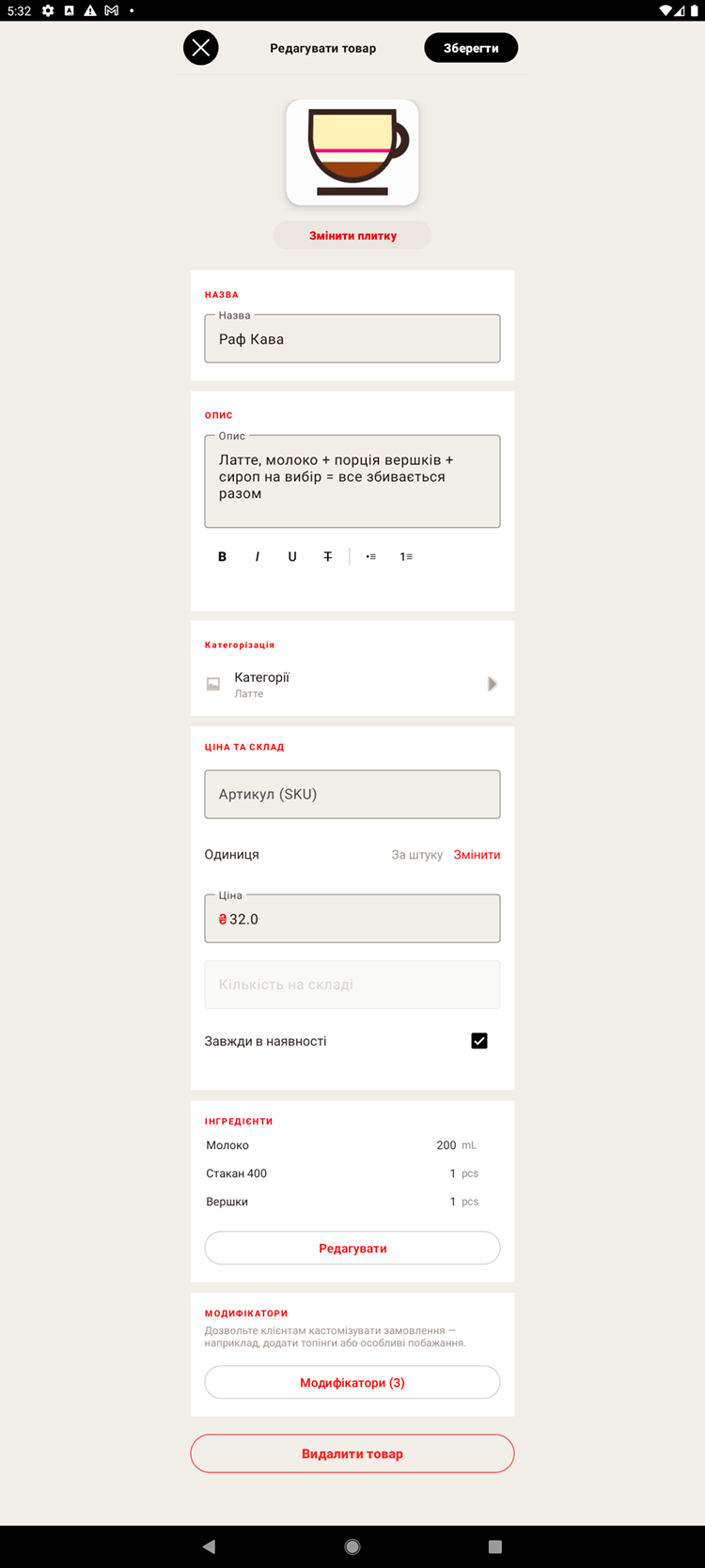
Items are the things you sell: drinks, dishes, packaged goods. Every item has a name and a price, and it can also have a photo, a category, modifiers and stock tracking.
Adding an item
- Open "Catalog → Items" and tap "Add".
- Enter the name and the price.
- If you want, add a photo and pick the category (or categories) and the unit of measure.
- Turn on stock tracking, or tick "Always in stock".
- Save — the item appears on the sales screen.
Tile design
For items without a photo you can set a tile color and a short label — that makes them easier to tell apart at a glance on the register.
Barcode
You can give an item a barcode (GTIN/SKU). Then at the register you can find it quickly with a scanner — handy for packaged retail goods.
Modifiers. If an item comes in variants (size, syrup, milk), attach a modifier set to it. See the "Modifiers" section.
Ingredients. To have stock written off automatically as you sell, link ingredients and their quantities to the item. See the "Ingredients and recipes" section.