Settings and access
Web panel
The web panel lets you run your venue from a computer, in a browser. On a big screen with a keyboard it's far easier to build up the catalog, dig into reports and manage settings than on a phone. Every change syncs to the register.
Access. The web panel is meant for the owner (the account administrator). Cashiers work only at the register, in the app.
Signing in
- Open the web panel in a browser on your computer.
- Sign in with the owner's e-mail and password — the same ones you use in the app.
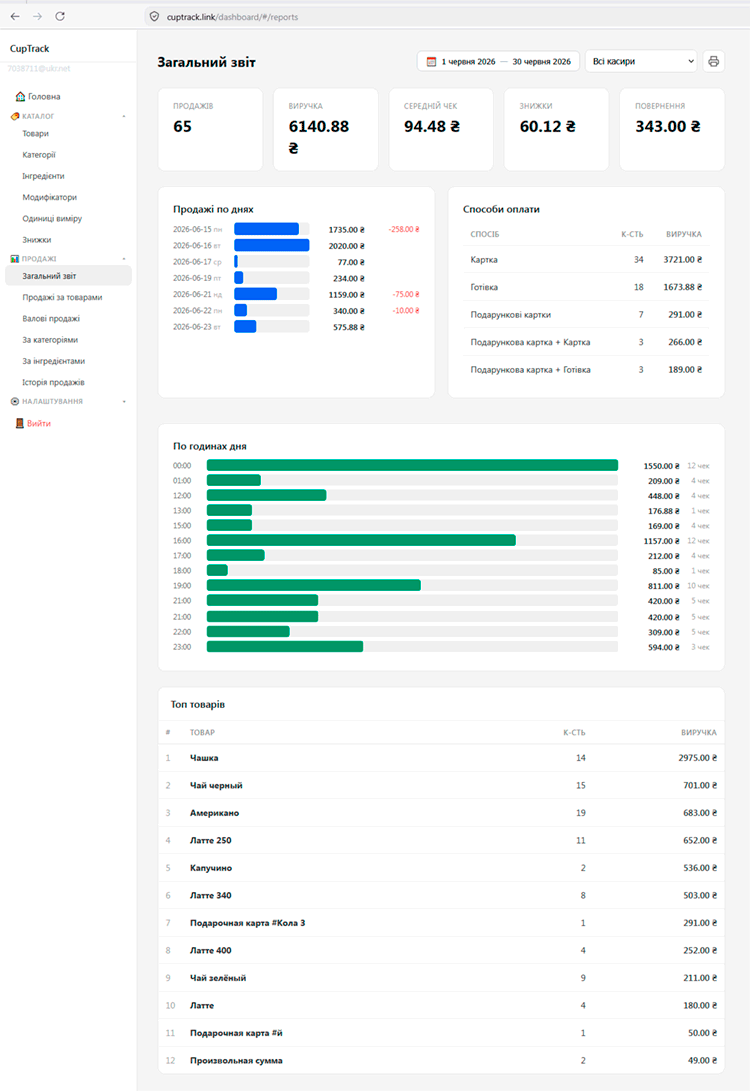
Catalog — easier editing
Building and fixing up the catalog in the web panel is much faster than on a phone, especially when you have a lot of items:
- Items — adding and editing names, prices, photos, barcodes, stock.
- Categories — creating them, setting the order, nesting, photos.
- Ingredients — tracking supplies and stock levels.
- Modifiers — option sets (size, milk, syrups) with surcharges.
- Units of measure and Discounts.
Reports and analytics
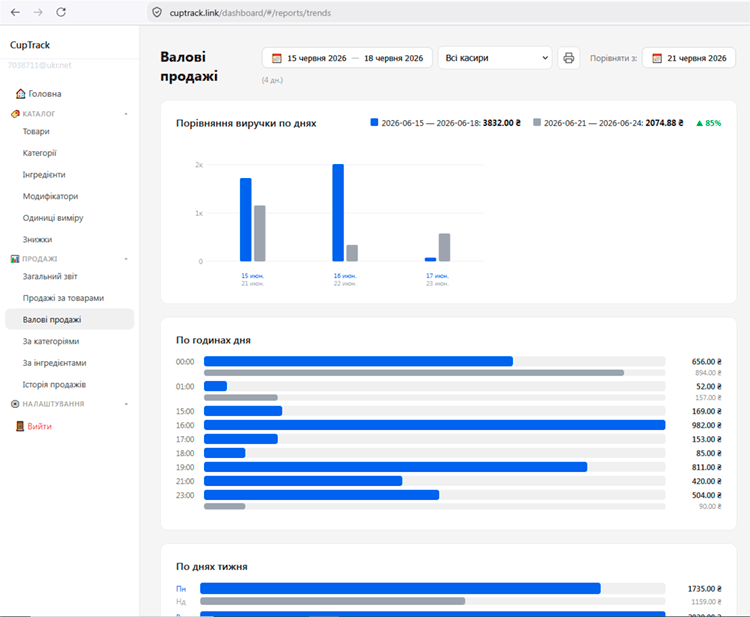
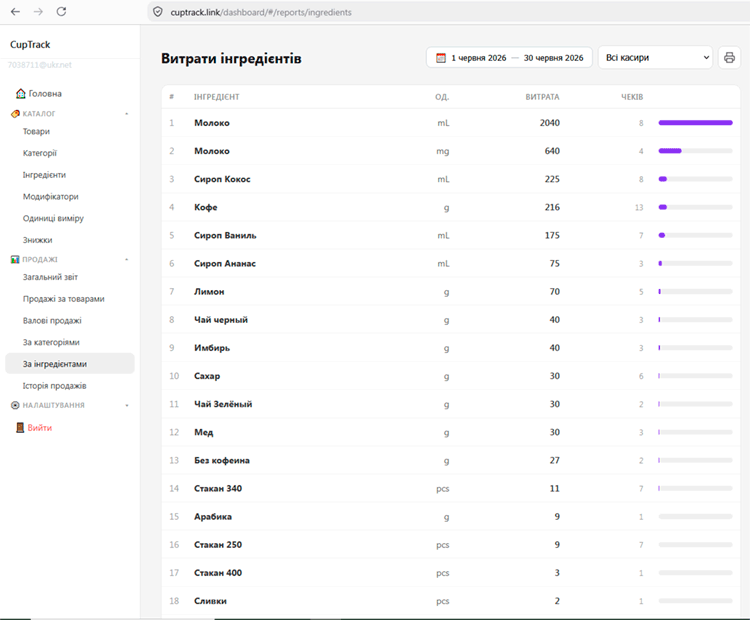
The full reports for analysing your business live in the web panel:
- Revenue for a period — by day, week, month or a custom date range.
- Sales by item — what sold and how much of it.
- Sales by category — which groups bring in more.
- Trends — how revenue moves over time.
- Ingredient usage — how much stock was written off.
- Sales history — the full list of receipts with details, payment method and cashier.
Venue settings
- Receipt — name, logo, contact details, receipt numbering.
- Payment — which methods are available (cash, card).
- Cashiers — creating and editing staff profiles, resetting passwords.
- Location and other venue settings.
Data and backups
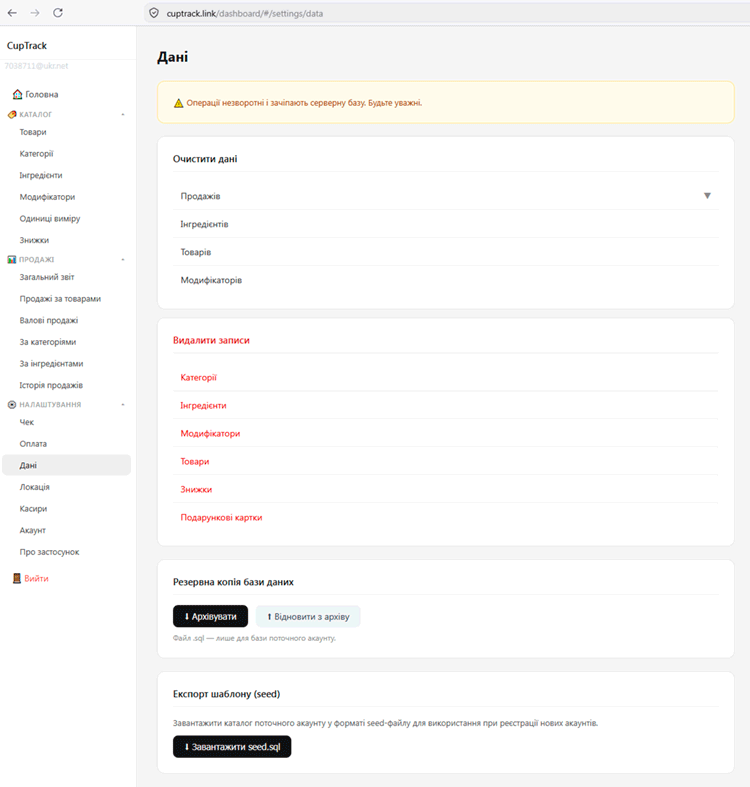
In the data section you can make a backup, clear sales or the catalog (the demo data, for example) and manage your venue's database.
Tip. It's easier to set up the catalog for the first time in the web panel on a computer, and then just sell at the register. Changes appear on every device automatically after a sync (that is, when you sign in to the app).