Catalog
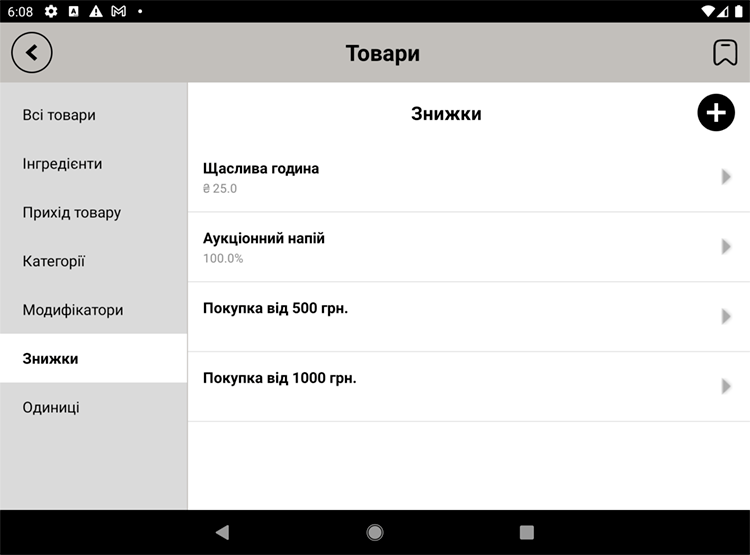
Discounts
Discounts reduce the receipt total — either by a percentage or by a fixed amount. It's a loyalty scheme that doesn't require collecting any personal data from your customers.
Creating a discount
- Open "Catalog → Discounts" and tap "Add".
- Enter a name and a type: percentage or fixed amount.
- Set the size of the discount.
- If you want, set a minimum receipt total for the discount to apply.
- Save.
Applying it at the register
While ringing up a sale the cashier picks the discount they need, and the receipt total is recalculated automatically. You can set a discount to require a confirmation code before it can be applied (to guard against misuse).
Examples. "−10% on everything", "20 off orders over 200", "Happy hour −15%". Switch on whichever discounts your current promotions need.